

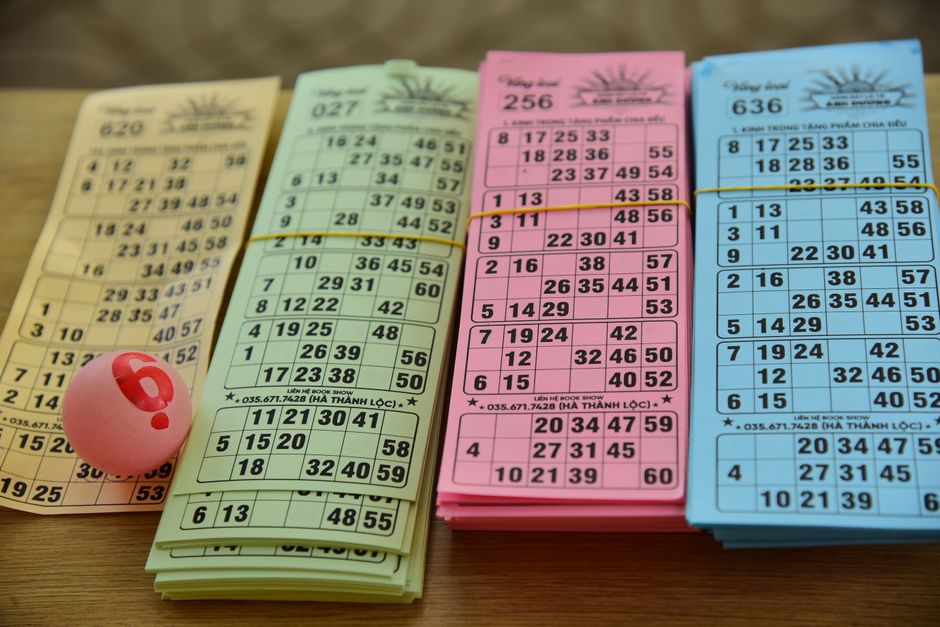
Introduction to Bingo Machines
A bingo machine is the heart of any bingo game, whether you're running a charity fundraiser, a community center event, or a professional bingo hall. Setting up a bingo machine correctly ensures smooth gameplay, fairness, and an enjoyable experience for all players. In this comprehensive guide, we'll walk you through the entire process of setting up a bingo machine, from unboxing to the first ball call. We'll cover different types of machines, step-by-step instructions, troubleshooting tips, and best practices for operation.
Whether you're a first-time buyer or an experienced operator, this guide will help you get your bingo machine up and running quickly and efficiently. Let's dive in.
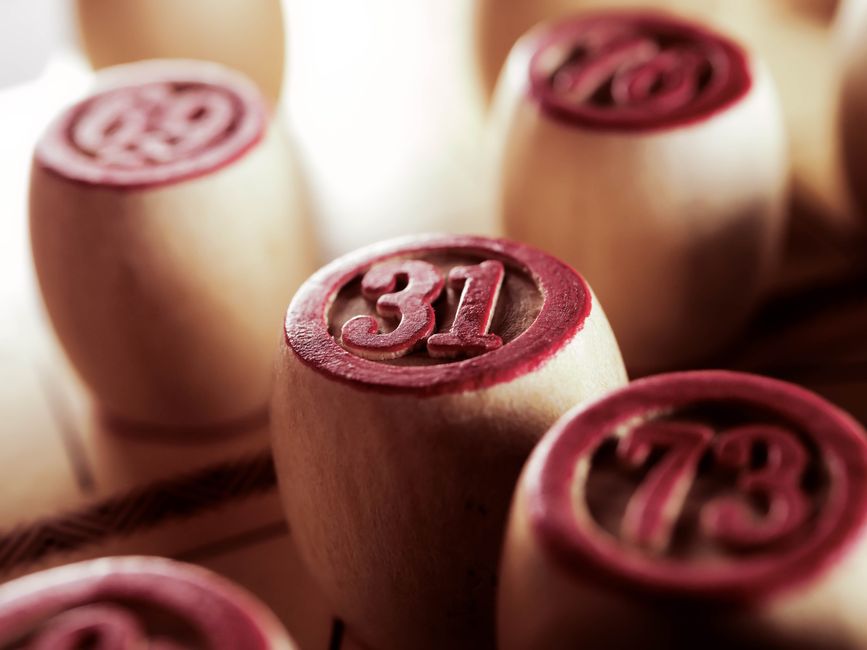
Types of Bingo Machines
Before setting up, it's important to understand the type of bingo machine you have. There are three main categories:
- Mechanical Bingo Machines: These use a blower to mix balls and a lever or button to release them. They are durable, easy to maintain, and ideal for small to medium events.
- Electronic Bingo Machines: These use digital displays and random number generators (RNGs) to call numbers. They often come with software for managing games, verifying winners, and displaying results on screens.
- Hybrid Bingo Machines: Combine mechanical ball mixing with electronic display and verification. They offer the tactile feel of traditional bingo with modern conveniences.
Each type has its own setup nuances, but the general principles remain similar. We'll focus on mechanical and electronic machines, as they are the most common.
Pre-Setup Checklist
Before you begin, gather the following items and ensure your environment is ready:
- Bingo machine and power adapter (if electronic)
- Bingo balls (typically 75 or 90 balls, depending on the game variant)
- Master board or display screen for showing called numbers
- Table or stand sturdy enough to hold the machine
- Power source (for electronic machines) or batteries
- User manual for your specific model
- Spare bulbs or fuses (for mechanical machines)
- Cleaning cloth and mild detergent
Choose a location with good lighting, easy access for the caller, and a clear view for players. Ensure there are no obstructions around the machine that could interfere with ball release or display visibility.
Step-by-Step Setup Guide
Step 1: Unbox and Inspect
Carefully unbox your bingo machine and inspect all components for damage. Check the blower, ball chamber, release mechanism, and electronic parts (if applicable). If you find any defects, contact the manufacturer before proceeding.
Step 2: Position the Machine
Place the machine on a stable, flat surface at a height comfortable for the caller. For mechanical machines, ensure the ball release chute is easily accessible. For electronic machines, position the display where all players can see it. If you're using a separate master board, place it nearby and connect it if required.
Step 3: Power Up (Electronic Machines)
Plug the machine into a grounded power outlet. If it runs on batteries, insert them according to the manual. Turn on the machine and check that the display lights up and the blower starts (if it has one). For mechanical machines, no power is needed, but you may need to test the manual crank or lever.
Step 4: Load the Bingo Balls
Open the ball chamber and load all bingo balls. Ensure you have the correct set: 75-ball for American bingo, 90-ball for UK bingo. Mix them thoroughly before loading. For mechanical machines, pour the balls into the hopper and close the lid securely. For electronic machines, follow the manufacturer's instructions, which may involve placing balls in a tray or using a digital RNG (in which case no physical balls are needed).
Step 5: Test the Ball Mixing and Release
Run a test cycle. For mechanical machines, activate the blower for 10-15 seconds, then release a ball. Check that the ball travels smoothly through the chute and that the number is clearly visible. Repeat a few times to ensure consistency. For electronic machines, use the test mode to simulate number calls and verify that the display updates correctly.
Step 6: Set Up the Display and Master Board
If your machine has a built-in display, ensure it's showing the correct game variant (e.g., 75-ball). If you use a separate master board, turn it on and test that it receives signals from the machine. Some electronic machines require pairing via Bluetooth or cable. Follow the manual for pairing instructions.
Step 7: Configure Game Settings
Many electronic bingo machines allow you to set game parameters such as speed, auto-call, and pattern validation. Decide on the game type (straight bingo, blackout, etc.) and configure accordingly. For mechanical machines, game settings are managed manually by the caller.
Step 8: Final Checks and Test Game
Run a full test game with a few participants. Call numbers, verify that players can mark their cards, and check that the winning pattern is correctly identified. This helps catch any issues before the real event.
Tips for Smooth Operation
- Keep spare balls handy: Balls can get lost or damaged. Have a spare set or replacement balls.
- Regular cleaning: Dust and dirt can affect ball movement and electronic components. Clean the machine after each use.
- Check power supply: For electronic machines, use a surge protector to prevent damage from power surges.
- Train your callers: Ensure whoever operates the machine knows how to pause, resume, and troubleshoot common issues.
- Test before every event: Arrive early and run a quick test to ensure everything works.
Troubleshooting Common Issues
| Issue | Possible Cause | Solution |
|---|---|---|
| Balls not mixing | Blower not working or balls stuck | Check power, clear obstructions, or replace blower |
| Ball release jammed | Debris in chute or misaligned mechanism | Clean chute, realign mechanism, or replace parts |
| Display not showing numbers | Loose cable or faulty connection | Check cables, restart machine, or replace display |
| Electronic machine not turning on | Power issue or blown fuse | Check outlet, replace fuse, or contact support |
Maintenance and Storage
Proper maintenance extends the life of your bingo machine. After each use, turn off and unplug electronic machines. Remove balls and clean them with a mild detergent, then dry thoroughly. Wipe down the machine with a soft cloth. For mechanical machines, lubricate moving parts as recommended by the manufacturer. Store the machine in a dry, dust-free environment, ideally covered with a cloth or plastic sheet.
Conclusion
Setting up a bingo machine is a straightforward process when you follow the right steps. From choosing the right location to testing the ball release and configuring game settings, each step ensures a fair and fun experience for your players. Remember to consult your user manual for model-specific instructions, and always perform a test run before the main event. With proper setup and maintenance, your bingo machine will provide years of entertainment.